Hello! In this post I will be explaining how I contributed two resources to Dr. Hadden’s Omeka site and using Dublin Core to categorize various data points.
The two resources I will be contributing are the Picture of Dorian Gray and the Chicago Stock Exchange Trading Room Reconstruction.
Step 1:
First I select add a new item and the page below appears. Now I can start adding in the various Dublin Core data elements, I am starting with the Portrait of Dorian Gray.
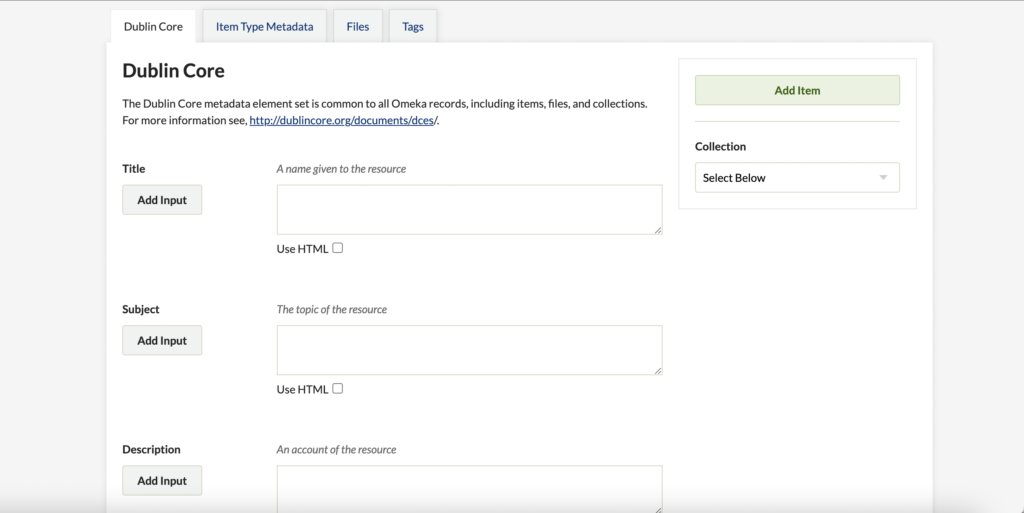
Step 2:
Next I add in all of the Dublin Core elements that are asked.
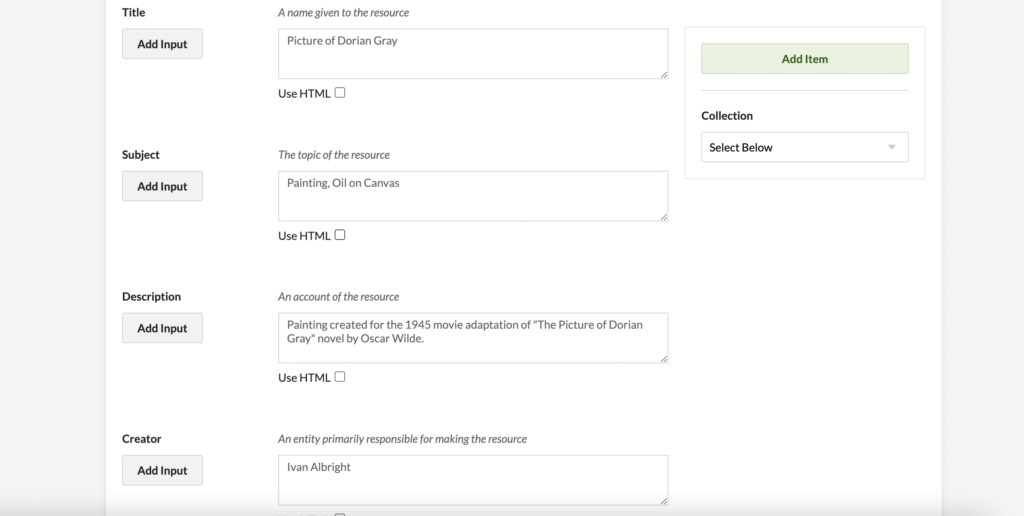
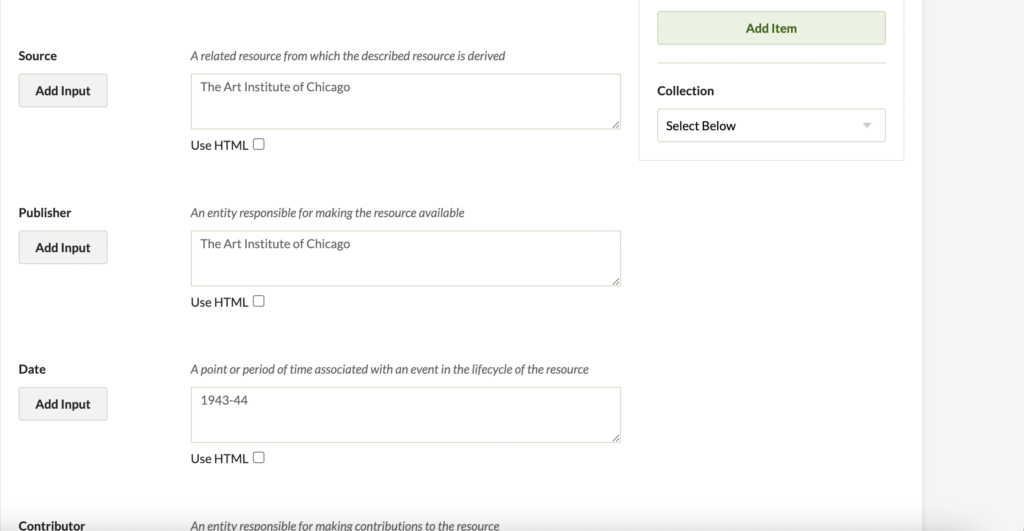
Step 3:
Then I move on to the next page which is asking for the metadata of the resource.
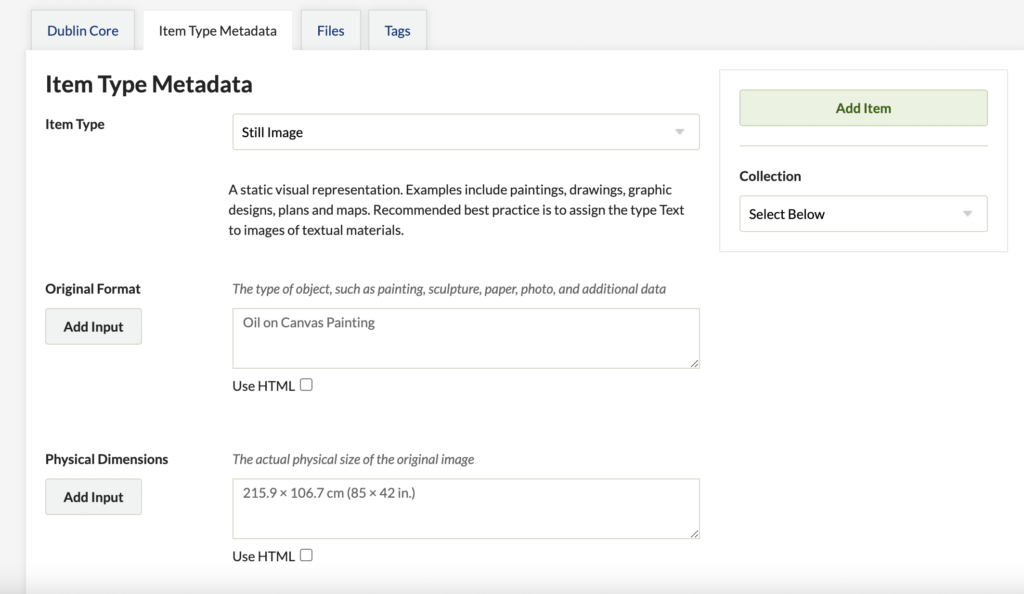
Step 4:
Moving on to the next page, I add the image file for the Portrait of Dorian Gray.
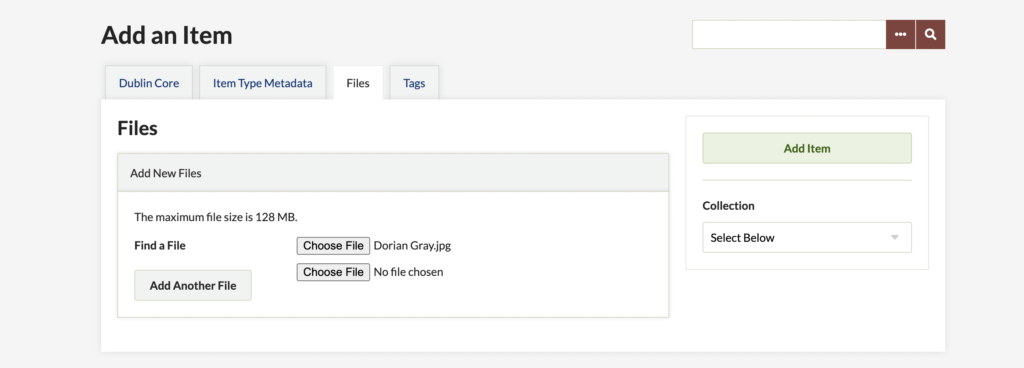
Step 5:
Then I add tags to make my resource more accessible.
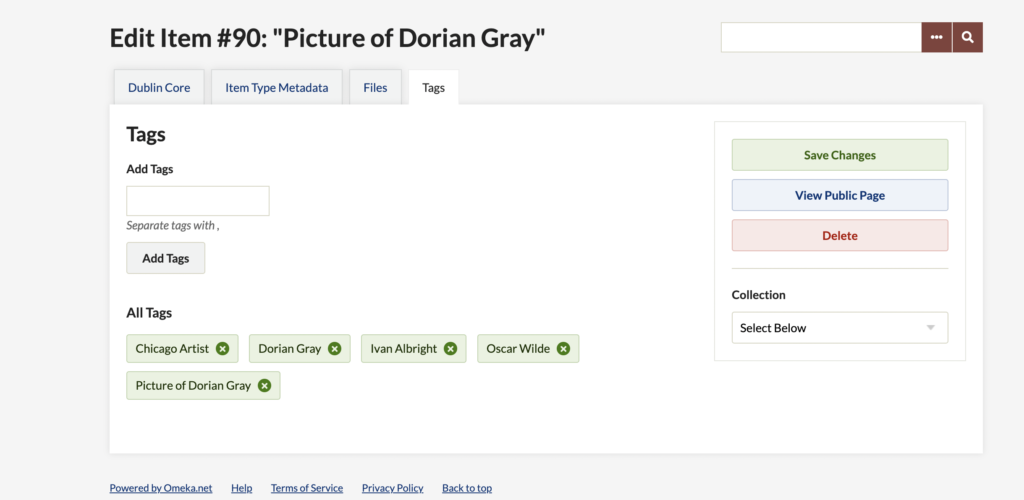
Step 6:
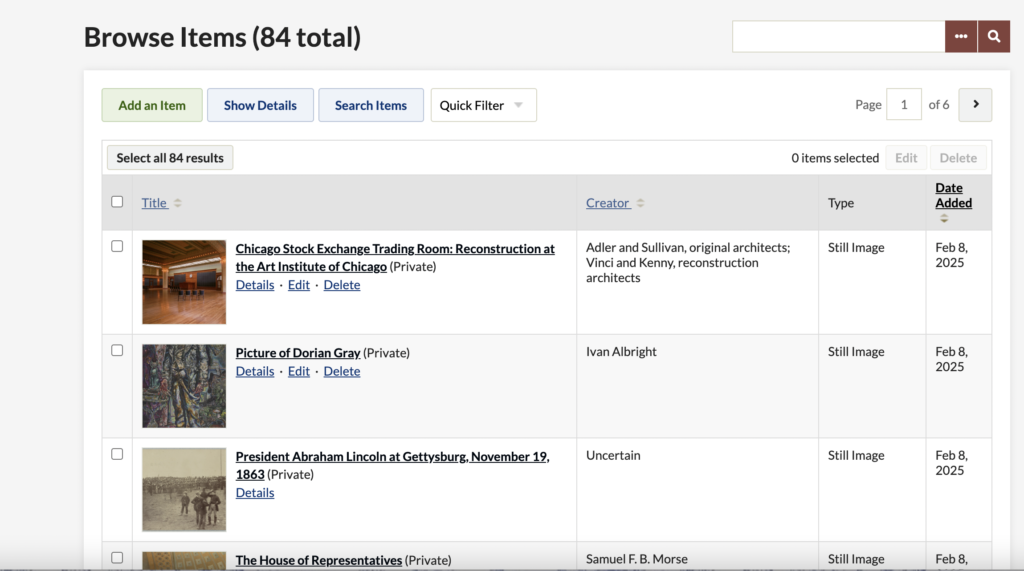
I then add the item to the collection and am able to view it among all of the other items from our class.
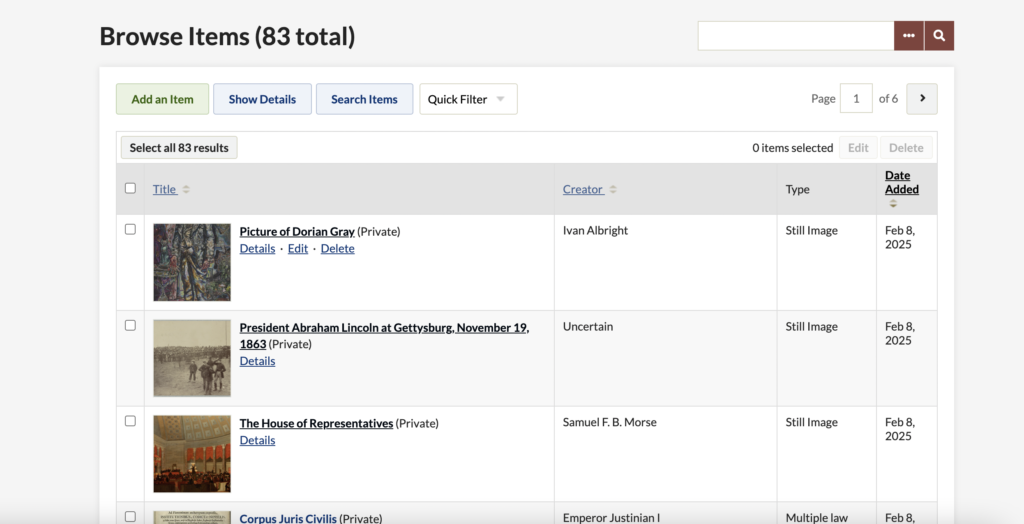
Next I will repeat all of these steps for my second resource.
Repeat step 2:
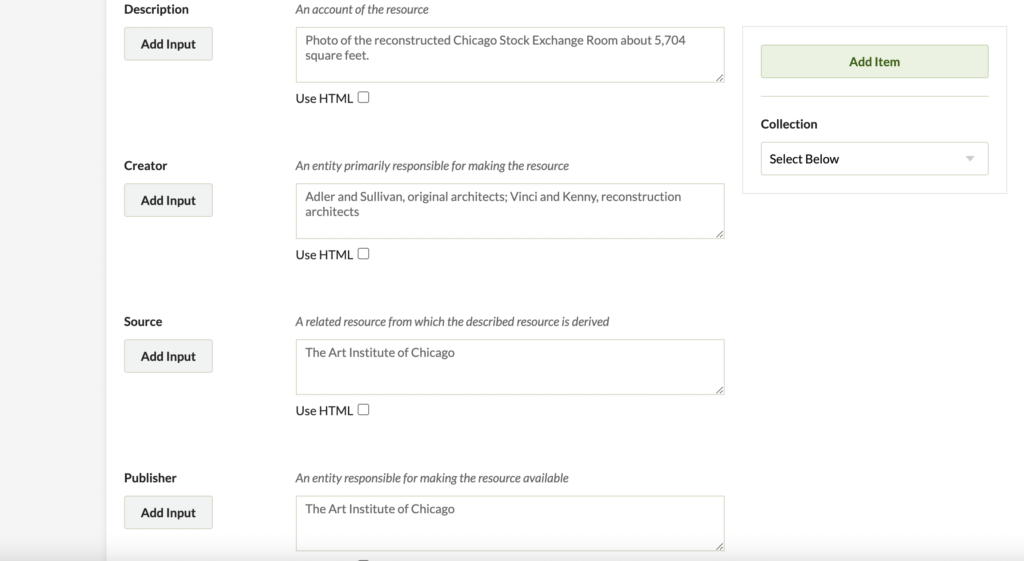
Here I added all of the Dublin Core elements just as I did in step one for the Portrait of Dorian Gray but this time all of the material corresponds to the Chicago Stock Exchange Room Reconstruction.
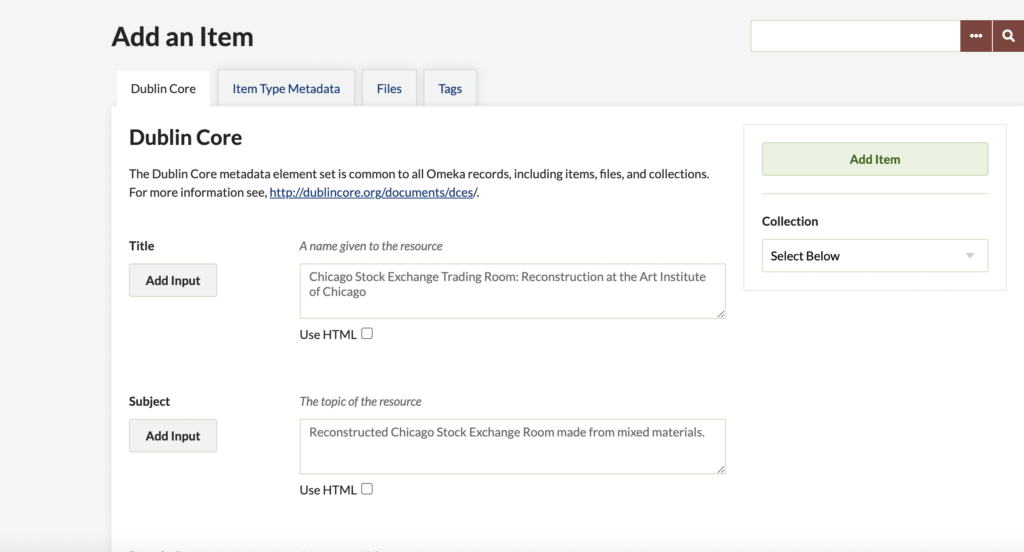
Repeat step 3:
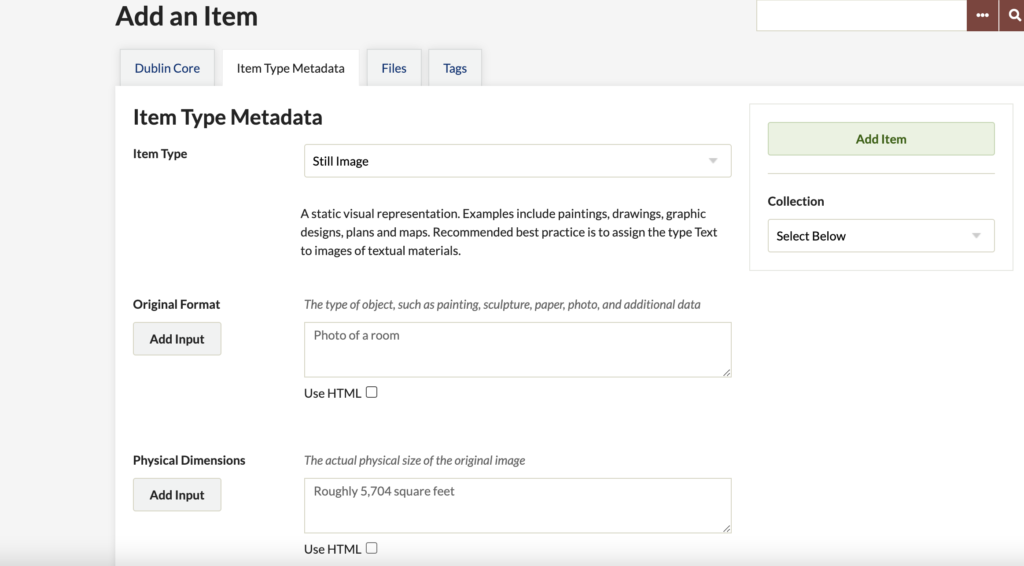
Then I went to the next page and added all of the metadata that corresponds to the Chicago Stock Exchange Room Reconstruction.
Repeat step 4:
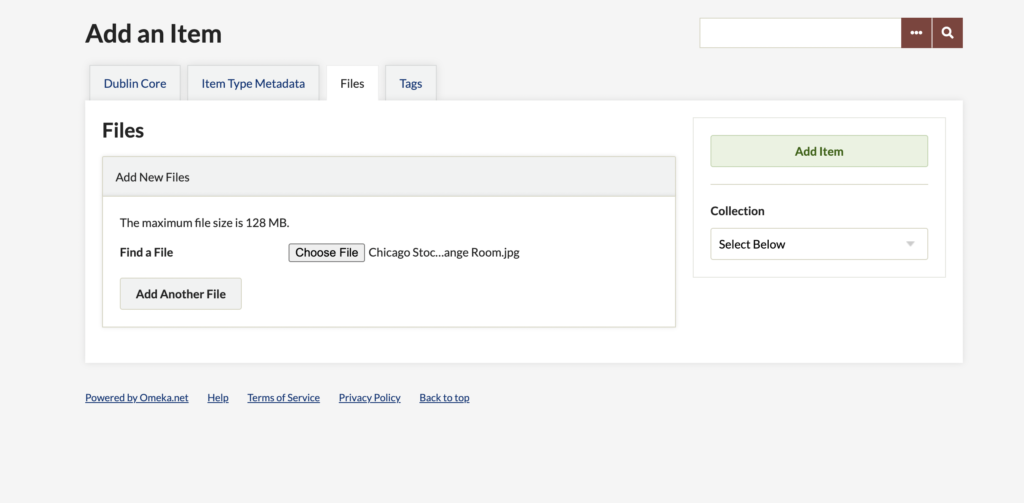
On the next page I add the image that I want to attach to this resource.
Repeat step 5:
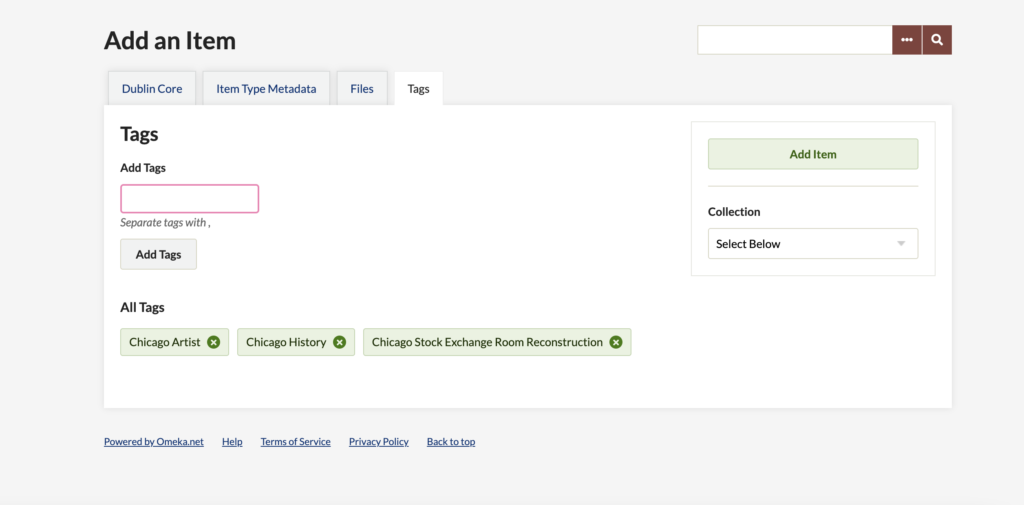
On the last page I add tags to make my resource easier to find.
Repeat step 6:
Lastly, I am able to view my second resource in the list of items from our class.
Leave a Reply